
12 Christmas Pixel Art Ideas to Generate and Color
Try twelve original Christmas pixel art prompts, with clear subjects, canvas advice and festive scenes you can turn into mobile coloring puzzles.
By Paweł Tymczuk ·
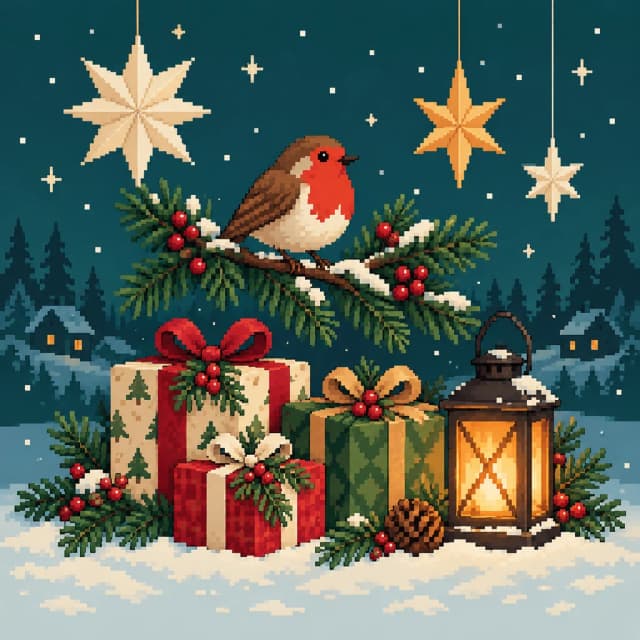
Christmas pixel art ideas work best when the holiday subject is easy to recognize: ornaments with broad stripes, a robin on one pine branch, or a small cabin with glowing windows. Keep the main shape large and let the background stay quiet. These twelve prompts give you festive subjects and composition choices for mobile coloring puzzles, from a simple gift stack to a fuller winter scene.
Which Christmas subjects work well in a pixel grid?
A wreath has a strong outline. A gift has a box, a ribbon and a bow. Those shapes can tell the story before you add a single snowflake. Begin with the part you'd recognize across the room, then choose one supporting detail.
Tiny lettering, elaborate lace and a crowd of figures ask a small picture to do too much. A shop can feel festive through its window and garland; it doesn't need a readable sign. A toy train only needs a clear engine and a few wheels to suggest the whole journey.
Use at least 64×64 for a clearer visual representation of generated subjects, or 96×96 for fuller scenes. The current Pixfun AI Studio options are 48×48, 64×64 and 96×96. Dimensions describe the grid, while the subject and arrangement do much of the work of making it readable.
The prompts below are suggestions, not tested recipes. Change a color, remove an object or choose a closer view to make an idea your own. Our pixel art prompt guide has more advice on giving a picture a clear focal point.
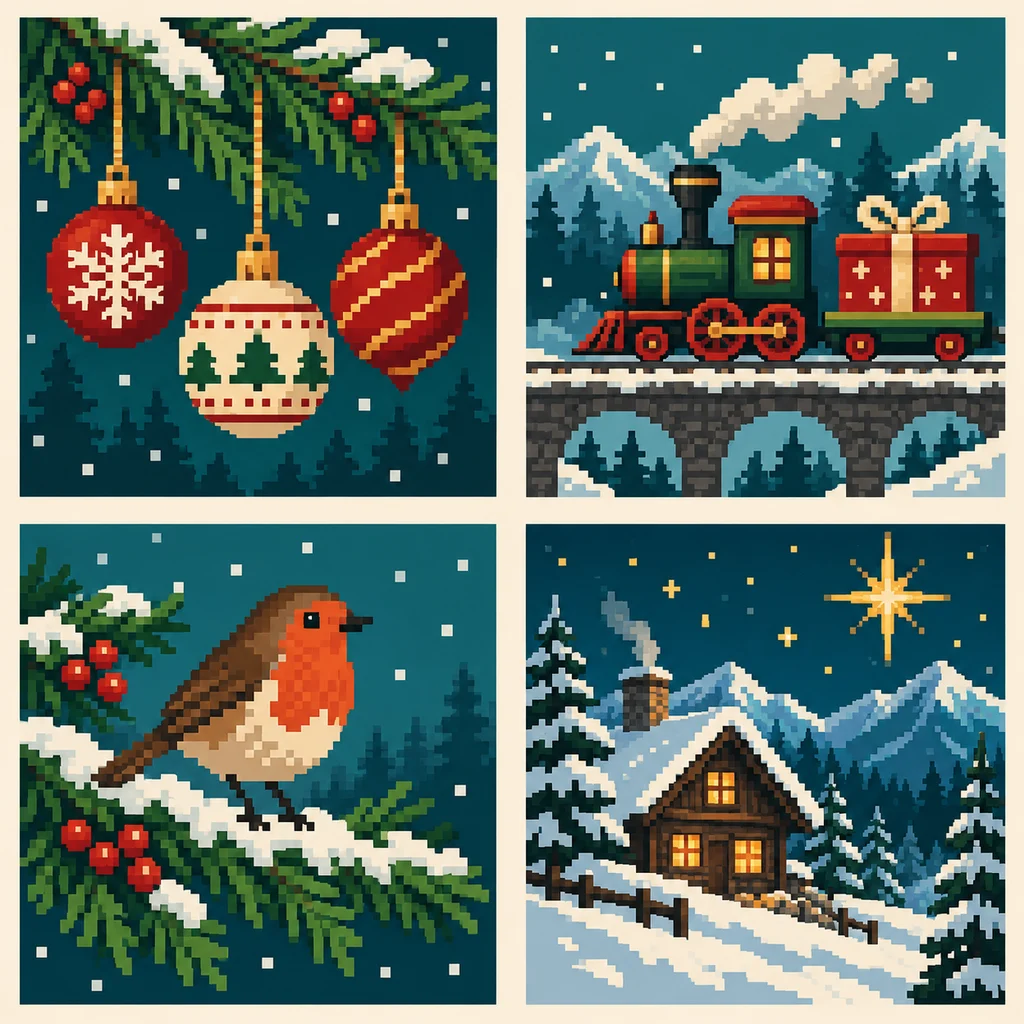
The cover and these concepts are AI-generated editorial illustrations made outside Pixfun. They suggest possible compositions; they are not screenshots or tested results from the app.
Which small holiday objects should I try first?
Close views make room for the shape you care about. These four ideas can fill most of the frame without needing a room around them. Classic is a reasonable style suggestion; the prompt-and-style combinations haven't been tested.
1. Three ornaments with broad stripes
Prompt: “Three round Christmas ornaments in red, cream and forest green hanging from one pine branch, broad stripes, plain dark teal background, chunky pixel art.”
Let each ornament have its own patch of space. One slightly higher than the others keeps the arrangement from looking like a row of buttons. Choose stripes or a large dot rather than intricate painted patterns. At 64×64, a clear outline matters more than describing reflections on every surface.
2. Mittens waiting by the door
Prompt: “A pair of red knitted mittens with wide cream cuffs and one holly sprig, close view on a pale wooden bench, simple pixel art.”
The thumbs give the mittens their identity, so keep them visible. Ask for broad blocks of color instead of individual stitches. A little gap between the pair helps them remain two objects. If the holly becomes a tangle, keep just the mittens and change the bench color to add contrast.
3. A paper star and a short string of lights
Prompt: “One large golden paper star hanging beside a short string of warm holiday lights, deep blue evening background, clear geometric pixel art.”
The star should take up enough of the picture for its points to show. Use a short string with a few distinct bulbs; a whole curtain of lights can become scattered dots. Try Classic or 8-Bit Retro as a style suggestion. Give the scene one bright center rather than equal brightness everywhere.
4. A wreath on a red front door
Prompt: “A round green Christmas wreath with one wide cream bow on a red front door, straight-on view, a little snow on the doorstep, simple pixel art.”
A front view keeps the door and wreath easy to read. Make the bow broad, and leave the center of the wreath visibly open. You can suggest foliage with grouped green shapes rather than naming several kinds of leaves. Use 96×96 if you want more of the doorway and steps in the scene.
Which animal and toy ideas have clear silhouettes?
An animal or toy adds a little character without needing several figures. Give it room to sit, stand or travel across the frame. Avoid a long list of accessories that hides its outline.
5. A robin on a snowy branch
Prompt: “A small robin with a warm red breast perched on one snowy pine branch, side view, pale winter sky, broad readable pixel shapes.”
Keep the bird close enough that its round body and beak are separate shapes. The pine needles can become a few grouped green fans. A quiet sky lets the red breast carry the picture. Nature is a supported style you could try, while Classic gives you another starting option; neither combination is a tested recipe.
6. A toy train carrying one gift
Prompt: “A green toy train engine pulling one carriage with a large red wrapped gift, side view on a short track, cream background, chunky pixel art.”
Side-on wheels and a large present do more for recognition than a tiny driver or smoke cloud. Leave some track visible beneath the engine. At 96×96 you can give the carriage room without shrinking the gift. If the first composition feels crowded, remove the track ties before adding more decoration.
7. A gift stack with different heights
Prompt: “Three wrapped Christmas gifts stacked loosely, one tall teal box and two smaller red and cream boxes, wide ribbons, plain green background, pixel art.”
Varying the heights stops the gifts from becoming one large rectangle. Choose one broad ribbon color that separates from all three papers. Leave the bows simple. This is a useful idea when you want repeated blocks of color and a subject that doesn't depend on faces or fine outlines.
8. A wooden nutcracker figure
Prompt: “One wooden Christmas nutcracker in a red coat and tall dark hat, front view, simple painted face, pale background, bold pixel art silhouette.”
Give the hat, coat and boots distinct shapes, and use 96×96 for more room around the figure. Facial details can simplify unpredictably in an AI result, so inspect them before deciding to color it. A close crop around the head and coat is an alternative if the full figure becomes too thin.
Which fuller Christmas scenes are worth a larger grid?
Use 96×96 for these scene suggestions, with one main object and a few supporting shapes. The extra cells give you more room to describe the setting, but the composition still needs a center. A cabin with two lit windows is easier to read than an entire village viewed from far away.
9. Candy canes in a jar
Prompt: “A wide glass jar holding three red-and-cream candy canes beside one small wrapped gift, close view on a wooden table, festive pixel art.”
Keep the curved tops apart so each candy cane can be recognized. A simple pale outline is enough to suggest the jar; detailed glass reflections may compete with the stripes. You can make this a smaller still life at 64×64 by removing the gift and letting the jar fill most of the picture.
10. An alpine cabin with lit windows
Prompt: “A compact wooden cabin with two glowing windows beneath a snowy roof, one tall pine tree beside it, dark blue winter sky and one large star, pixel art.”
Let the roof make a strong triangle, with the windows separated below it. The pine gives the cabin a setting without needing a forest. Avoid adding smoke, distant mountains and falling snow all at once. Fantasy is another supported style to try if you'd like a storybook mood; treat that as a suggestion.
11. A festive shop window
Prompt: “A small holiday shop window displaying two wrapped gifts and a toy train, green garland above, warm indoor light, front view, no lettering, pixel art.”
Use the window frame to contain the scene. The gifts can be broad blocks, while the train supplies one more recognizable shape. Leave the sign blank and the street mostly quiet. If reflections hide the objects, simplify the prompt to a display seen straight through clear glass.
12. A sleigh beside a cottage
Prompt: “A red wooden sleigh holding one cream blanket beside a small snowy cottage, side view, warm doorway light, clear winter pixel art.”
Keep the curved front of the sleigh visible against the snow. A single blanket is enough to suggest someone might return for it. The cottage can remain a simple background shape, with its doorway providing the light. A close view makes the sleigh the subject instead of a small mark in a landscape.
How can I make one of these into a coloring puzzle?
Pixfun is our app. Its AI Studio turns a text idea into a numbered pixel puzzle you color by tapping matched cells. Each generation costs one AI credit, takes about a minute and needs an internet connection. These prompts don't guarantee a particular result, so choose the subject you'd most enjoy spending time with.
- Trim the prompt to your favorite details. Keep the main subject and one setting. Remove decorations you won't miss.
- Choose the grid and style. Start with at least 64×64 for clearer generated subjects, or 96×96 for fuller scenes. Classic is a sensible style suggestion for familiar holiday objects.
- Generate and inspect the picture. Check its main shapes, faces where present and light-dark contrast. Changing the prompt and generating again costs another AI credit.
- Color at your pace. Selecting a color highlights its matching cells. Pinch to zoom when you need a closer view; progress auto-saves when you put the picture down.
Our AI pixel art generator guide covers the broader workflow. For the coloring controls, use the pixel art coloring guide.
Which festive idea would you like to color?
Pick one object you already associate with the season: a paper star, a red mitten or a lamp in a winter window. A personal detail can come from its color or setting. It doesn't have to arrive with twelve extra ornaments.
Pixfun is available now on the App Store and Google Play. Download Pixfun when you have an idea you'd like to turn into a puzzle. One robin and one branch make a fine place to start.
Frequently asked questions
What are good Christmas pixel art ideas for a first puzzle?
Start with a clear holiday object: three ornaments, a pair of mittens, a wreath or a stack of gifts. A plain background and broad shapes give the picture a readable center. For generated subjects in Pixfun, choose at least 64×64 for a clearer visual representation.
Which canvas size should I use for Christmas pixel art?
Pixfun AI Studio offers 48×48, 64×64 and 96×96, with 96×96 selected by default. Use at least 64×64 for clearer generated subjects and 96×96 for fuller scenes, such as a cabin or shop window. Simplifying the prompt still helps; a larger grid cannot guarantee every small detail.
Have these Christmas prompts been tested in Pixfun?
These twelve prompts are untested starting suggestions. The cover and four concept images are editorial illustrations generated outside Pixfun, not app screenshots. Your puzzle may look different. Each new AI generation costs one AI credit, so simplify deliberately before trying another version.
Can I turn one of these ideas into a coloring puzzle on my phone?
Yes. Pixfun AI Studio turns a text prompt into a numbered pixel puzzle in about a minute, using one AI credit and an internet connection. You then color its matched cells by tapping them. Pixfun is available now on the App Store and Google Play.
Are these printable Christmas color-by-number templates?
No numbered printable templates are included here. These are subject prompts for mobile pixel-coloring puzzles. You can save, print and share finished Pixfun pieces personally, but the app does not provide a physical printing service. Commercial use of AI output requires written permission.